

Nokta Legend 2 fast track to success!
The Nokta Legend 2 is packed with features, some you will never use, understanding the important features will be the fast track to successful metal detecting.
The Nokta Legend 2 is what I would class as a high-end metal detector, in order to get the most out of your investment, you need to spend time in the field and experiment with different custom programs.
The Skill School easy to understand tuitions will guide you through the learning process helping you on your way to becoming an expert with the Nokta Legend 2.
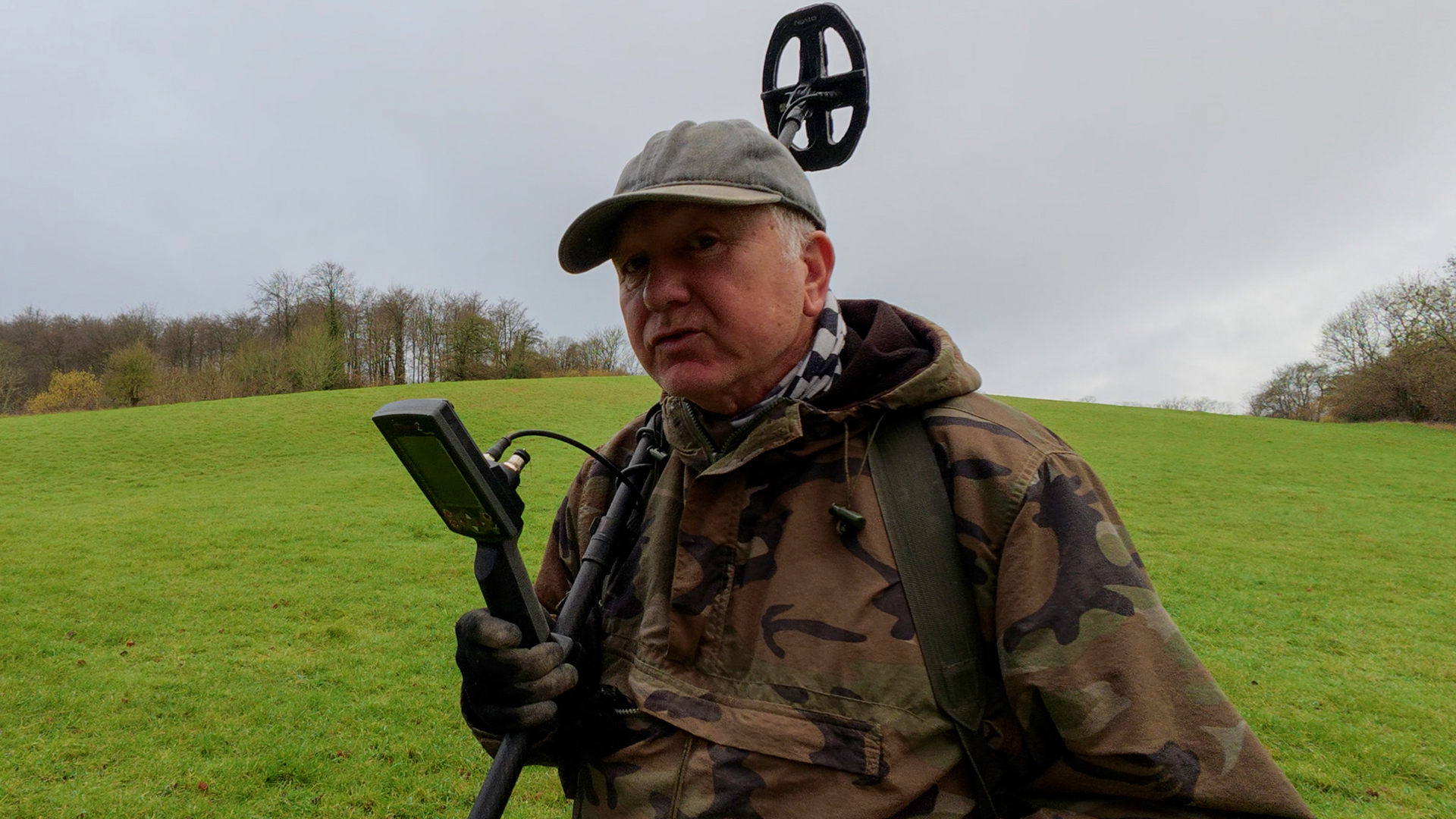
In this article, we can start to unlock some of the key Nokta Legend 2 features, and explain why you may or may not need them in the field.
As you open up the quick menu, you will be presented with 6 Icons.
Icon 1 Sensitivity
This is self-explanatory, but people still run it too high for their land, the biggest fear is loosing depth.
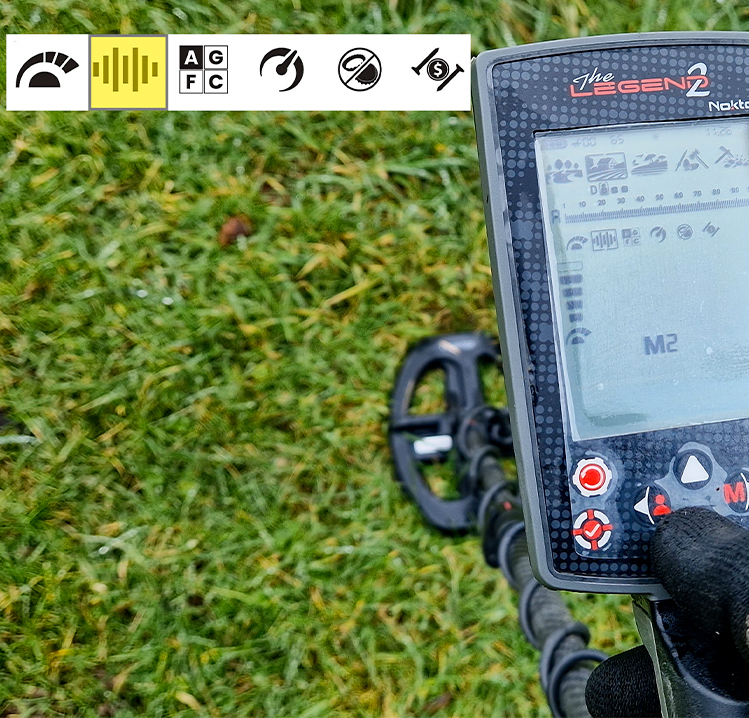
Icon 2 Working Frequency
Working frequencies, M1, M2 and M3 are all multi-frequencies, M2 is my personal choice for hunting here in the UK for our small Hammered and Roman coins.
You also have a choice of several single frequencies for specific hunting styles.
Icon 3 Discrimination
The Discrimination setting (not shown)offers 4 default choices, All Metal, Ground Reject, Iron Reject or custom.
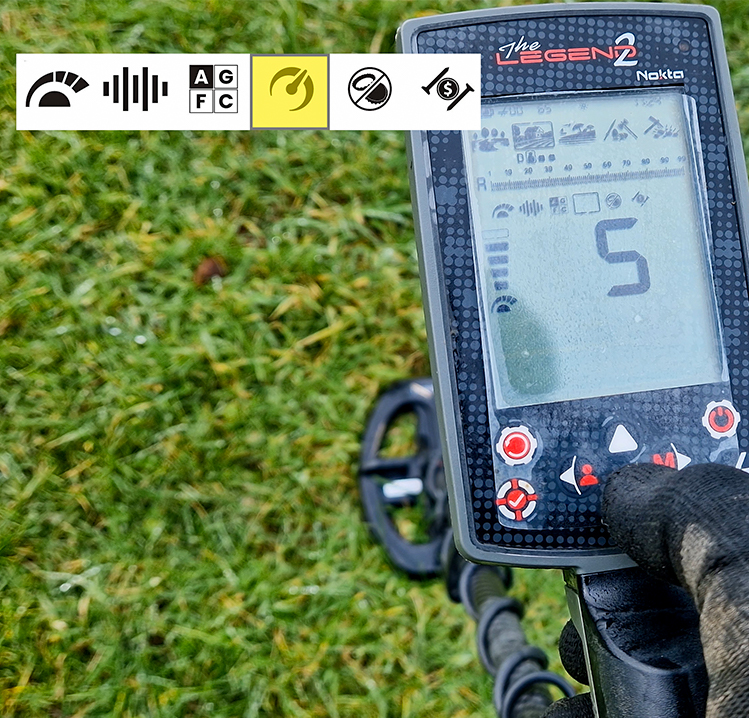
Icon number 4 Recovery Speed
This is an important feature to understand, get it wrong, and you will have a bad day’s metal detecting.
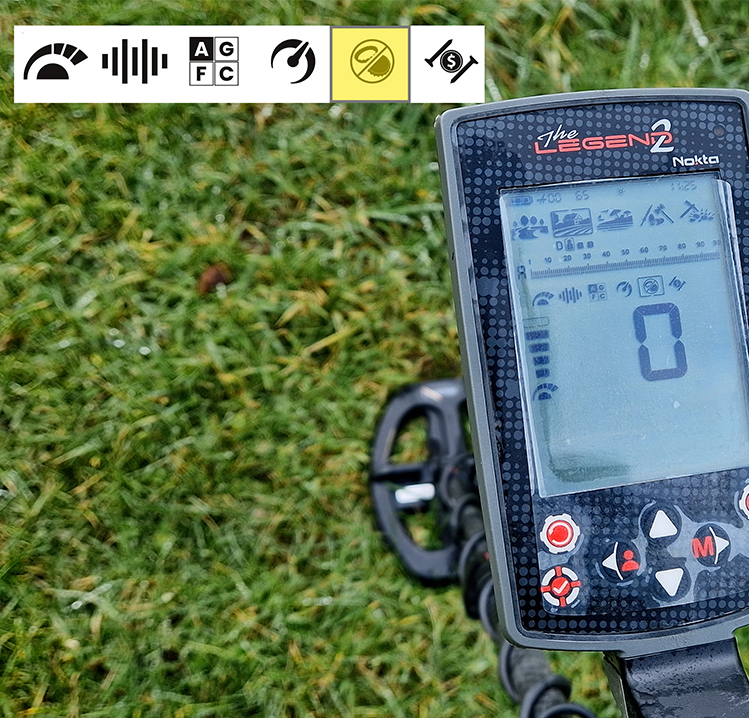
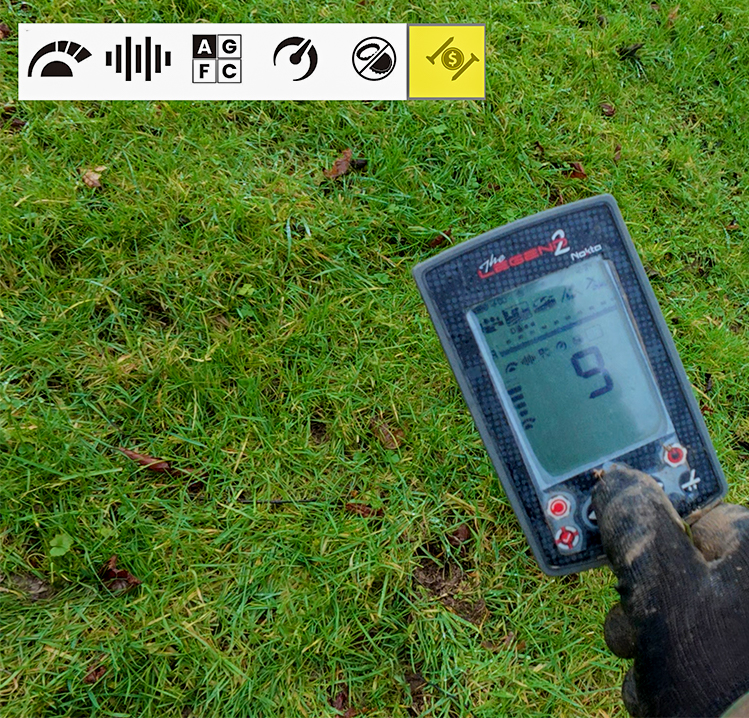
Icon number 5 is Bottle Cap Reject
Also known as BCR, this feature does what it says on the label, however it comes with a massive trade-off.
BCR can be handy to eliminate those ferrous round bottle caps when hunting in a contaminated park, but when searching an ancient site, anticipating finding small items next to iron, BCR is your enemy, the iron rejection is too aggressive, you will possibly miss the desired targets that lay near to iron because of the masking effect.
Icon number 5 Iron filter
This acts as a small Iron filter, it can eliminate the false pops and spits associated with a busy Iron contaminated site, or if you are running high sensitivity levels.
I always aim for the lowest level 1, higher levels can give an Iron tone helping to identify inconsistent targets like shotgun cartridges, but, just like BCR, the same trade-off applies
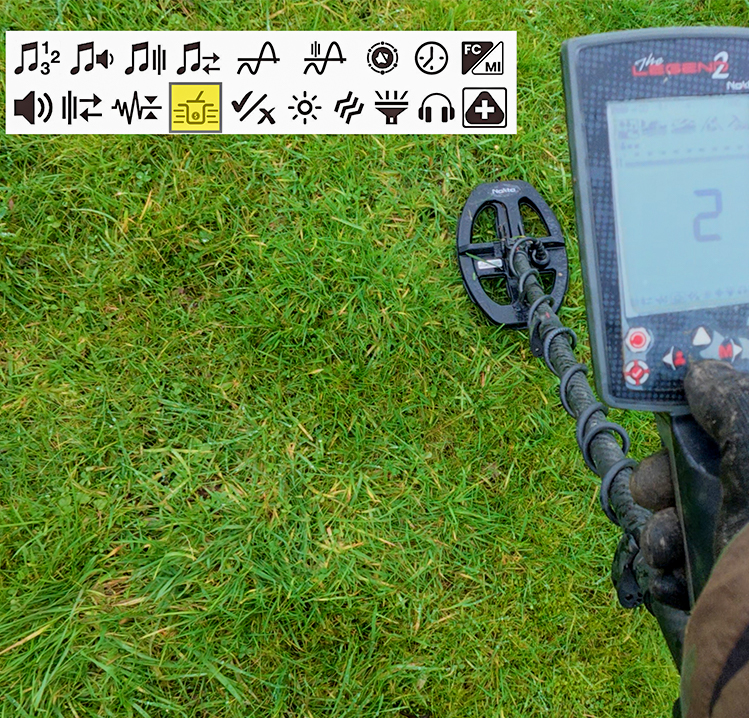
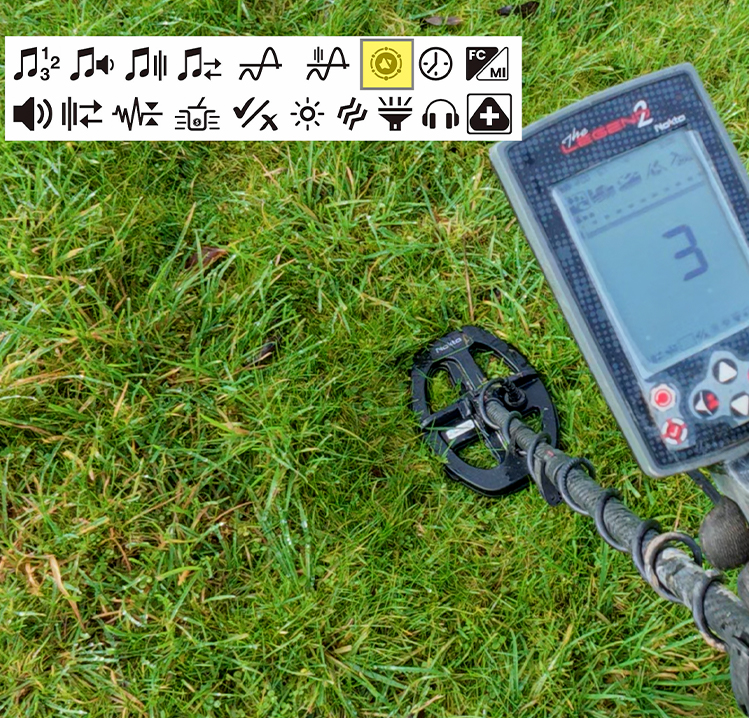
The Nokta Legend 2 main menu
The main menu is packed with more Icons, navigating them can be quite labour-intensive.
As your muscle memory improves, you will find working through the options are not a big issue, many of these features you will never use, and the others are really set it and forget it.
Target Boost (left)
This feature can boost the signal clarity on deeper targets by eliminating the iron tone which appears as the ground starts to consume the target sound.
I found the default setting of 3 to be a good option.
Audio Response (Right)
This kind of works in tandem with deep targets, lower levels will give more modulation to the signal….Deep targets quiet….Shallow targets loud.
Higher levels will remove the modulation, so deep and shallow targets all have the same audio level.
Nokta Legend 2 metal detecting video
How to get started with the Nokta Legend 2
Below, in this Skill School “How to” video, you can see all the settings we have talked about in the article, including live demonstrations.
If you would like to know more, please visit the Nokta Engineering website and download the Nokta Legend 2 Manual and don’t forget to subscribe to the
Skill School metal detecting classroom on YouTube for more detector reviews and field tests.