

Is the metal detector market over saturated with choices
The XP Icon X arrives at a moment when the mid‑range detector market is more competitive than ever, yet XP has managed to produce a machine that feels unmistakably “XP” while landing at a price point far below the Deus II. Built on the same FMF® simultaneous multi‑frequency platform that powers XP’s flagship, the Icon X promises high‑end performance, wireless freedom, and exceptional ergonomics — That’s got the marketing blurb out of the way, what’s it like in the real world?
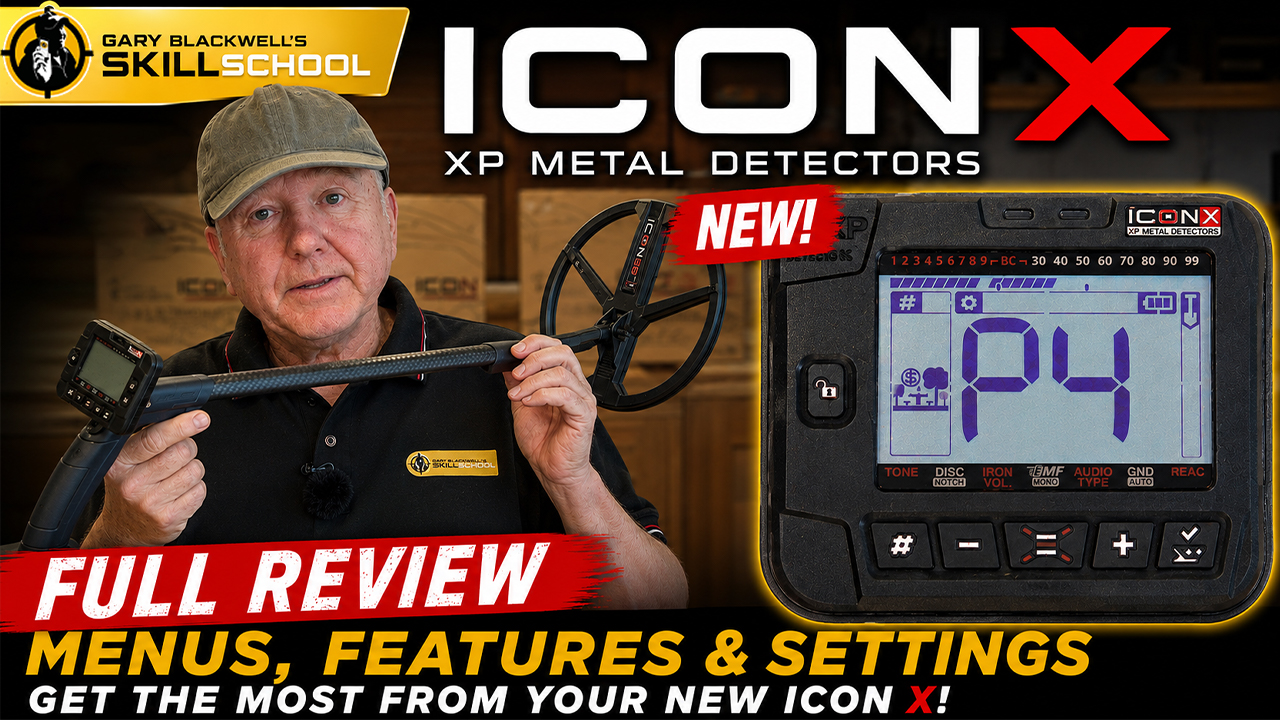
What you need to know as a new XP Icon X user
The software is typical XP, those users coming from a Deus 2 will have an easier time working out the protocol, however there are some features on the user interface that take a little working out.
Once again repetition and muscle memory will be your best friend.
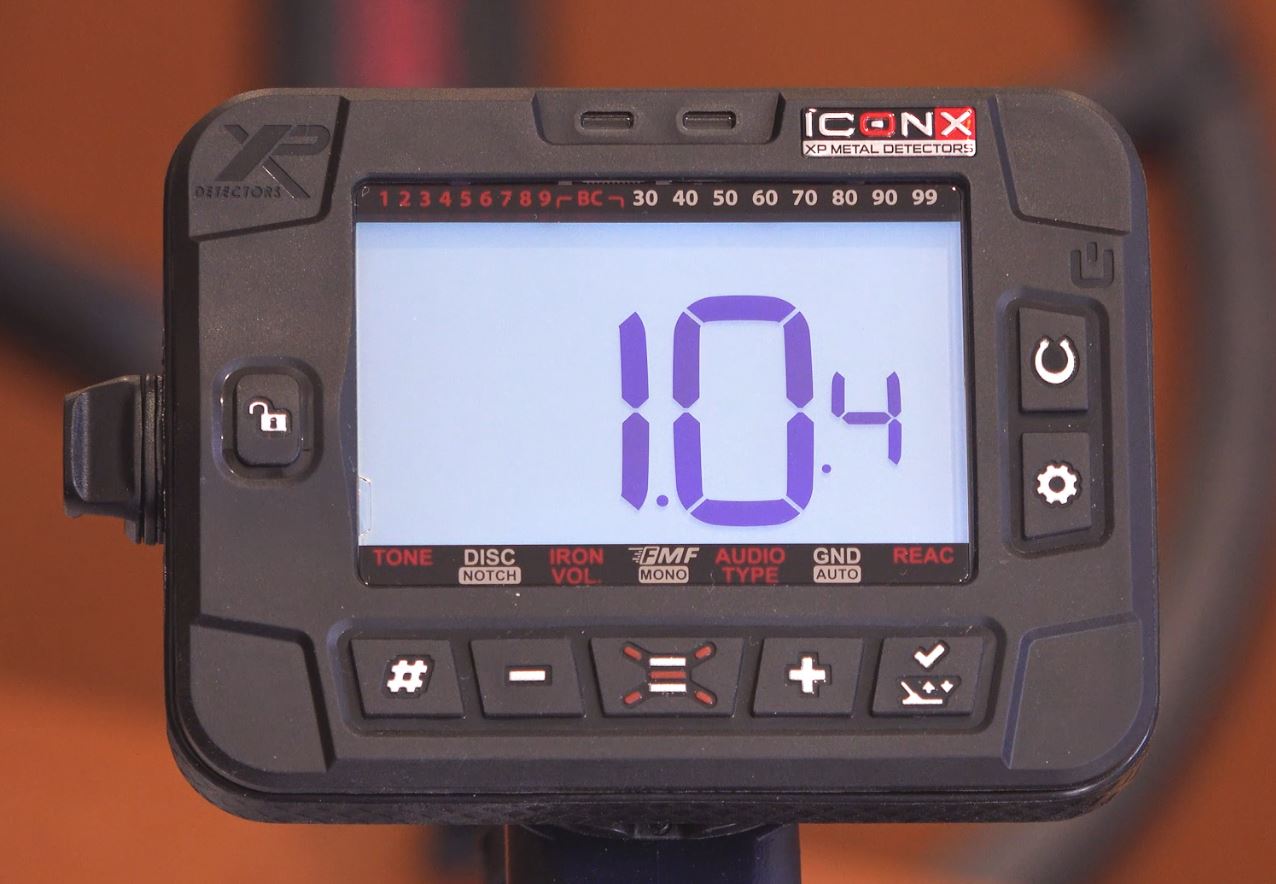
User interface
On the bottom left is the hashtag button, that’s used to scroll through the factory default programs and save up to 6 user programs, the Plus and minus buttons are for making changes and for the sensitivity adjustment.
In the centre bottom, we have what I call the “Burger” key this is to access the above icons, and far right is the Ground balance / notch accept reject button.
Menu tags – Burger Key
Above the button are tags – Tone,Disc,FMF,Audio Type, Gnd, React, some of them have got a little silvery tag attached to them, that means there’s an expert setting. Accessed by long pressing the Burger key
The Horseshoe button on, off, is for all metal. The “Cog Wheel” button is to to access the top menu and a return menu, it also serves as a noise cancel shortcut key. The padlock key unlocks the USB charging plug.
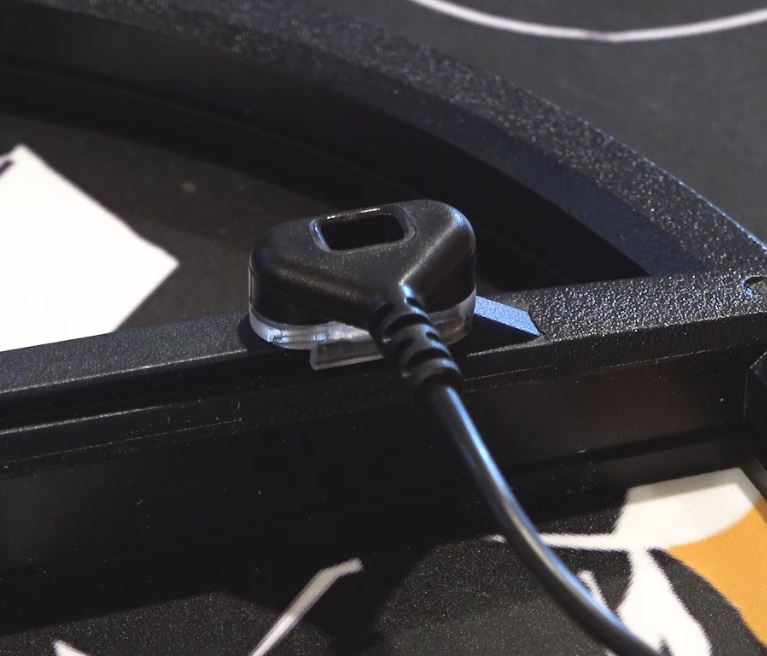
The coil charging clip has been totally revised after over years of concern from many users, with this new clip I can not see any future issues. It slides on with a positive snap, very much like the new RC mounting pod.
XP Icon X updates
I am sure the Icon X will be updated within the next few weeks, this is normally the case to iron out some bugs in the system.
I am not a big advocate of regular updates on a metal detector, sometimes they cause more problems than they fix, take my XP Deus 2 for example, they are now on version 4.2, but I have gone back to version 2 simply because it sounds better and works the best with my Tekkna program.
Personally I feel the XP Icon X should be updated, because I don’t think the tone options are set out in a user-friendly way, you can see more in my video at the bottom of this post.
XP Icon X build quality
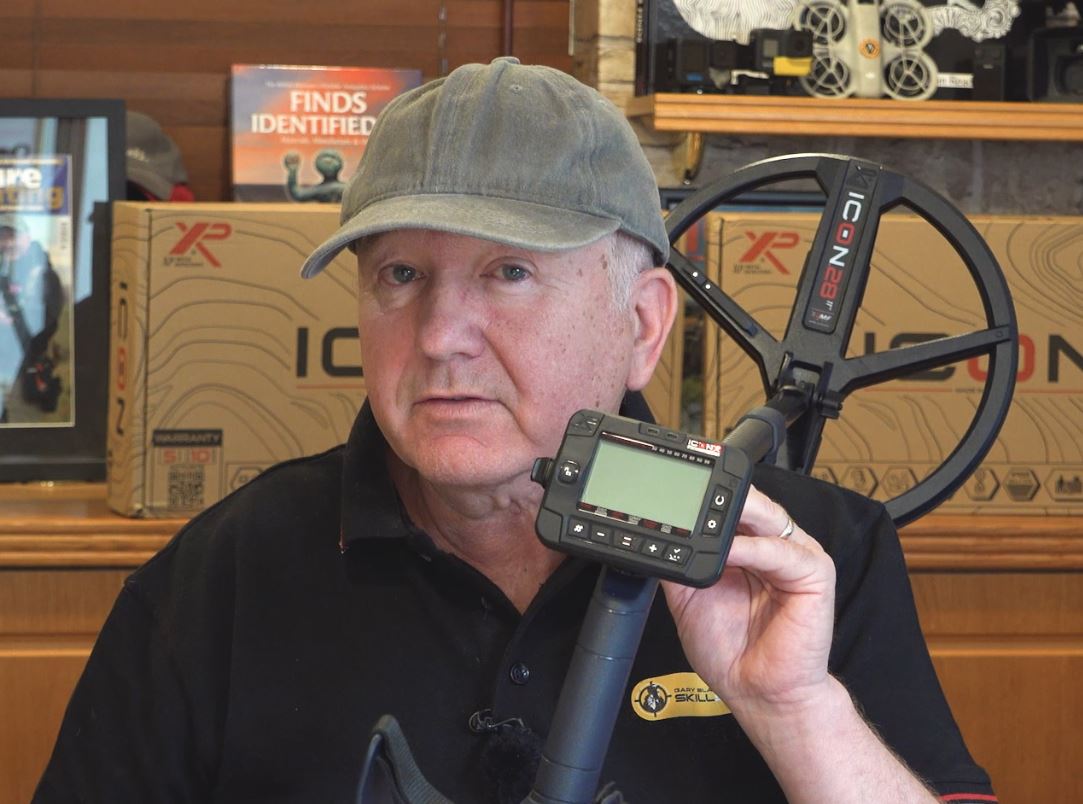
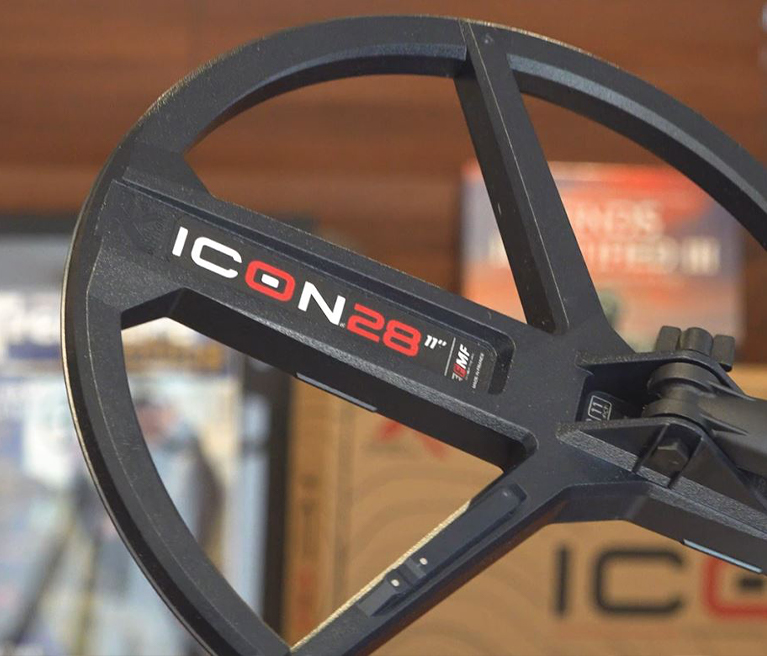
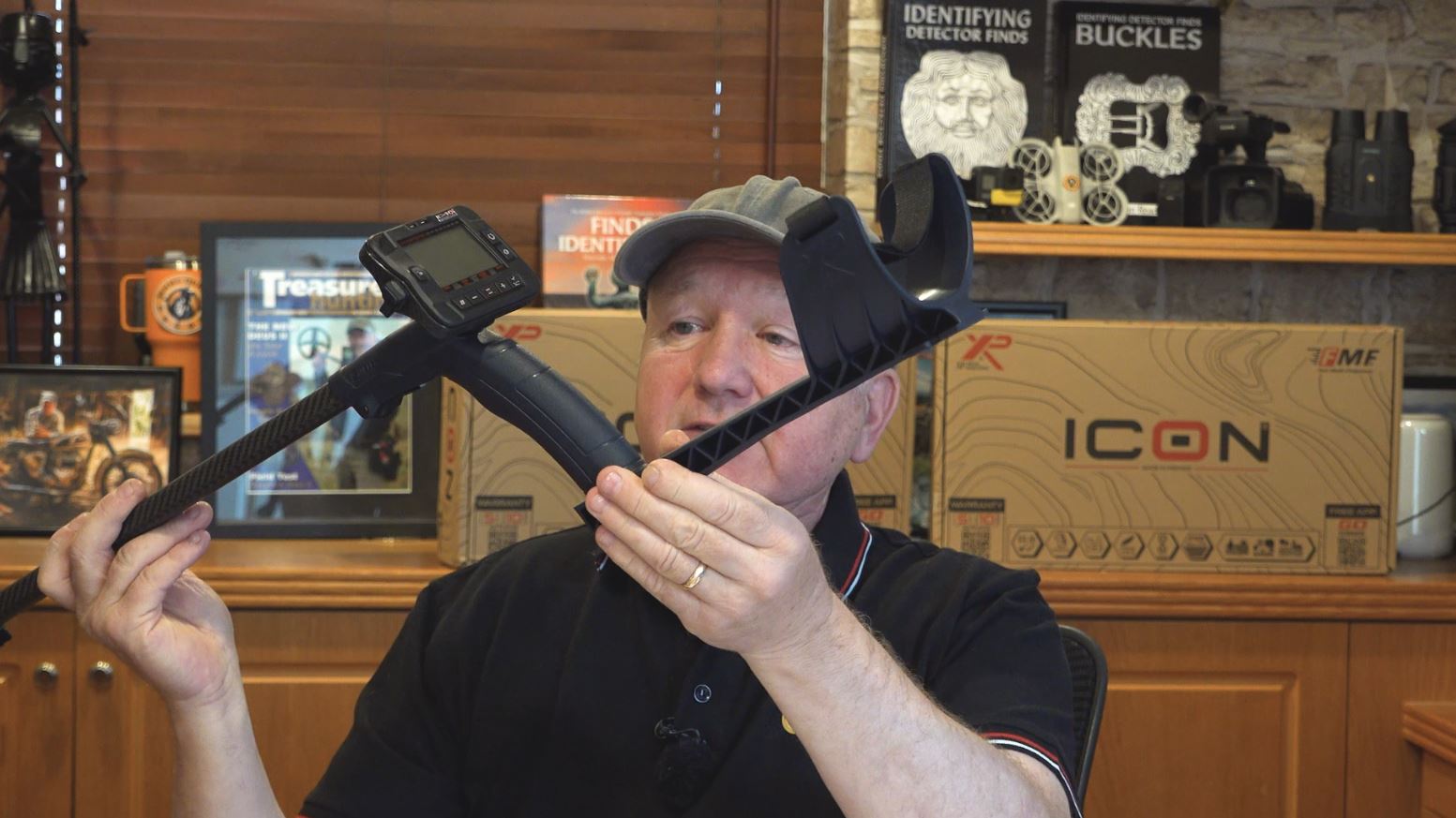
I think the build quality is very good and represents the price range, the stem is and ORX stem, the coil has a new look, and is attached by using the XP Top Hat system, plus there is a new carbon fibre middle stem which has been a long time coming.
Verdict – Initial thoughts
As with all metal detectors, the ecosystem is only a part of the experience, digging real targets in real life is what it is all about, so I will be taking my XP Icon X on to some tough test grounds to see if performs as well as it’s mid-range competitors. Such as the Minelab Vanquish 560, the Minelab X-Terra Elite, the Rutus Versa, the Nokta Triple Score and the Quest S Pro.
To see the full range of metal detectors available, have a look at the LP Metal Detecting website or click the banner below, tell them the Skill School sent ya !
Here is a comprehensive video covering the XP Icon X menu and features.